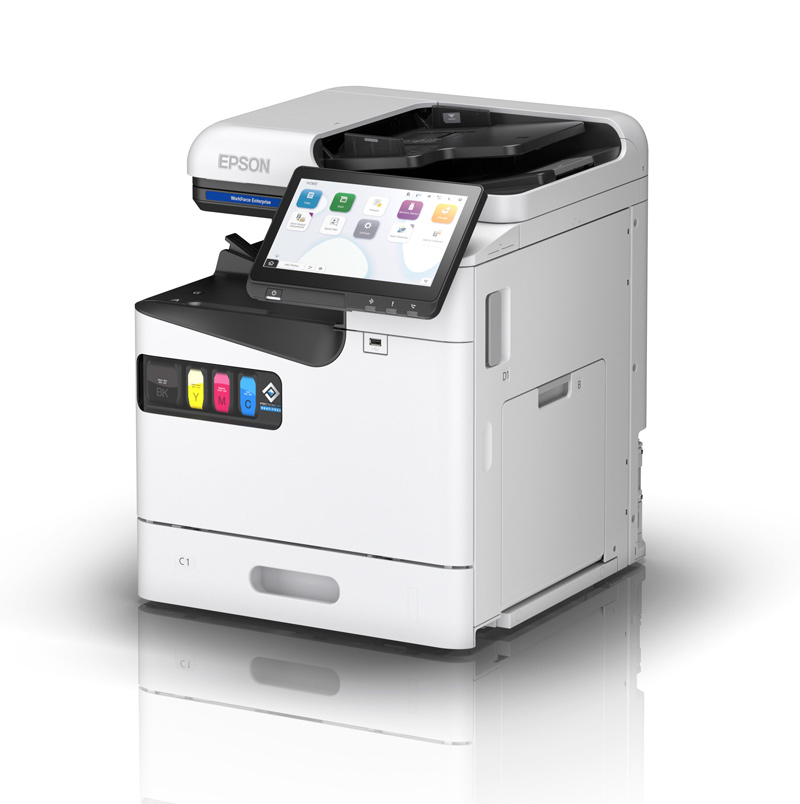
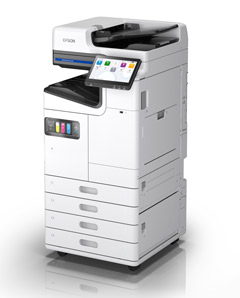
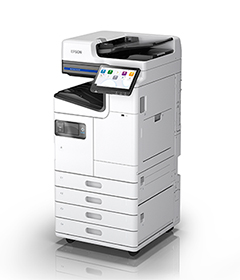
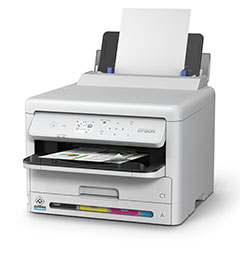
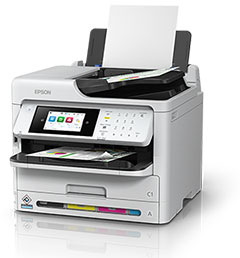
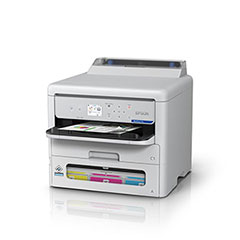
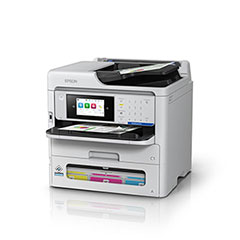
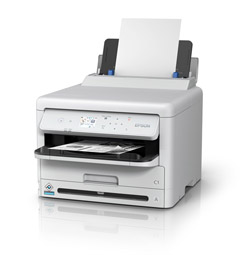
From office printers and high-volume multifunction devices to receipt printing, business scanners and technical large-format printing, find Epson technology for your documents, customer transactions, CAD drawings and posters.
A4 and A3 printing, scanning and finishing options
18 receipt & POS devices
Countertop, portable, label, kitchen, kiosk and slip printing
12 standalone scanners
Portable, desktop, network and flatbed capture
13 technical large-format devices
Plans, CAD drawings, maps and posters
Explore the range
Find the right device for your work.
Find Epson technology for office documents, retail transactions, business scanning and technical large-format printing. Compare the application, media, output and handling requirements, then choose the configuration that fits the work you do.
01
WorkForce Enterprise A4 colour
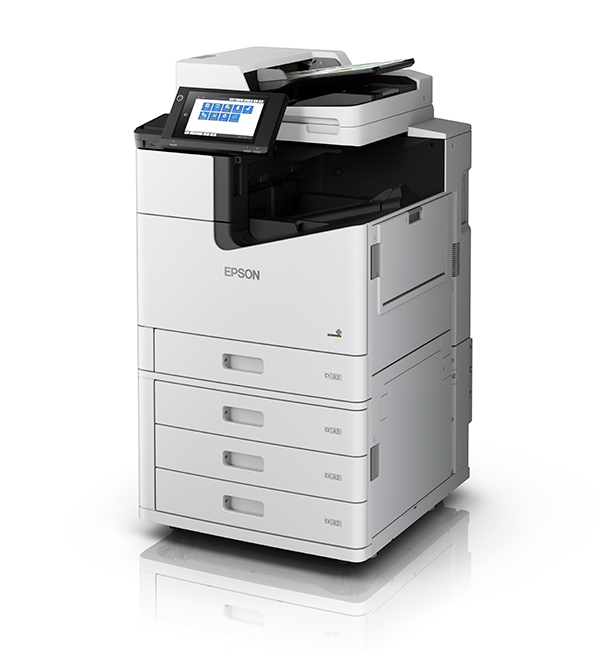
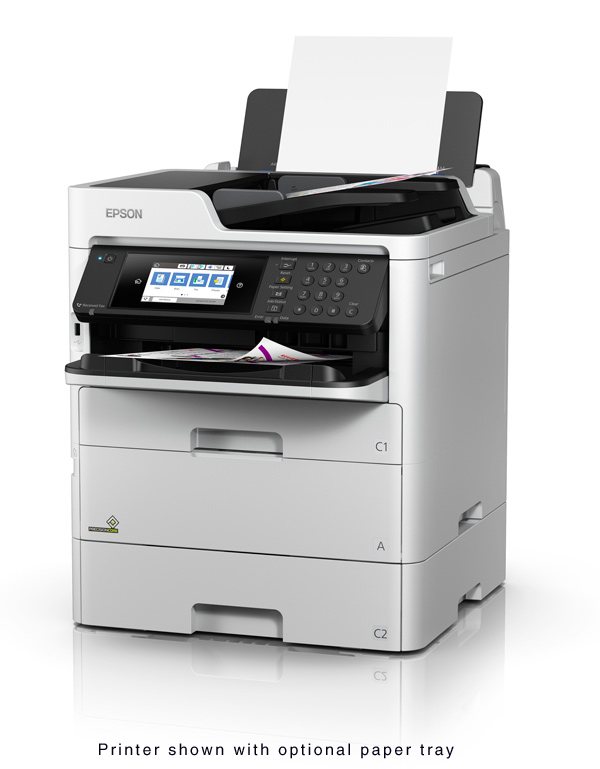
Compact multifunction devices for teams that need fast colour printing, copying and single-pass duplex scanning. The AM-C550Z adds an inner finisher.
A4 colour multifunction
AM-C400
Epson WorkForce Enterprise
A 40 ppm multifunction device with a compact desktop footprint and configurable paper feeders for growing workgroups.
ISO print speed
40 ppm mono / colour
Scan speed
50 ipm simplex / 100 ipm duplex
Specifications & capabilities
Paper input
600 standard / 2,100 maximum sheets
Print resolution
600 × 2,400 dpi
PrecisionCore Heat-Free printing with a stationary linehead.
Scan to email, FTP, network folders and USB; Document Capture Pro supports document routing and an optional SharePoint workflow.
Epson Smart Panel, Email Print, Remote Print Driver and Scan-to-Cloud support; services depend on configuration and connectivity.
Single-function printers and multifunction devices for distributed workgroups. Print-only models are clearly separated from devices that also scan and copy.
A4 colour printer
WF-C5390
Epson WorkForce Pro
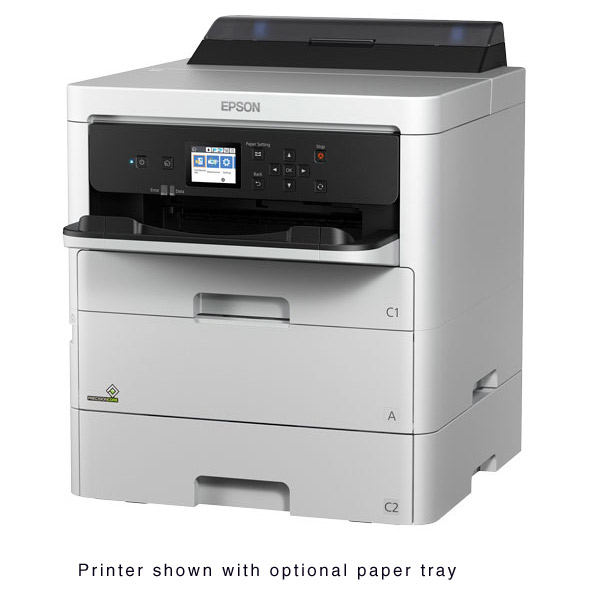
A single-function colour printer for networked teams that need business document output without an integrated scanner.
ISO print speed
25 ppm simplex / 15 ppm duplex
Print resolution
4,800 × 1,200 dpi
Specifications & capabilities
Paper input
330 standard / 1,830 maximum sheets
Functions
Print only
PrecisionCore printing with individual pigment ink packs.
USB, wireless LAN, Wi-Fi Direct and Gigabit Ethernet connectivity.
330-sheet standard paper input, expandable to 1,830 sheets with three optional 500-sheet feeders.
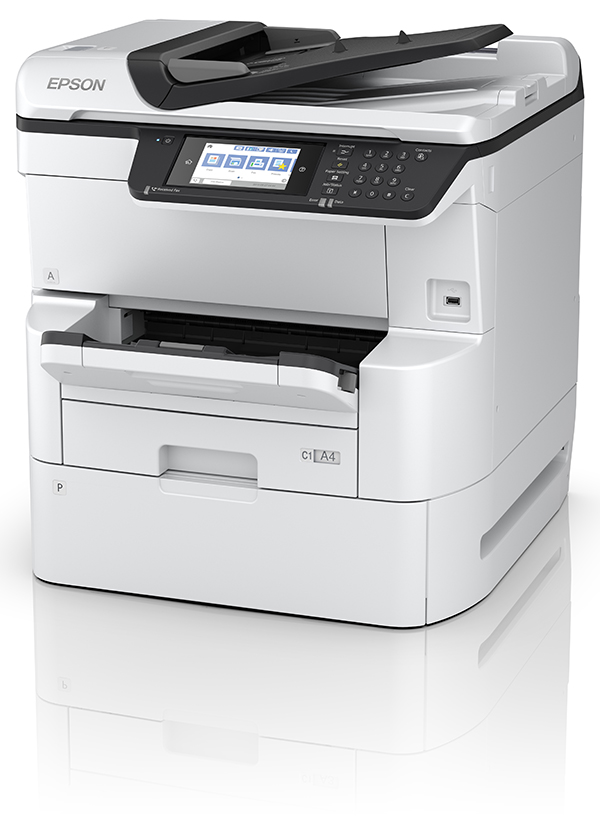
A3 multifunction devices for organisations with demanding print volumes. Compare colour models from 60 to 100 ppm and a 100 ppm monochrome option, with paper-handling and finishing choices to suit larger document workloads.
A3 colour multifunction
WF-C20600
Epson WorkForce Enterprise
A 60 ppm A3 colour multifunction device with expandable paper handling and optional finishing for higher-volume office printing and scanning.
ISO print speed
60 ppm mono / colour
Print resolution
600 × 2,400 dpi
Specifications & capabilities
Paper input
2,350 standard / 5,350 maximum sheets
Display
9-inch colour touchscreen
Colour flatbed and single-pass two-sided automatic document feeder.
Optional finishing for stacking, stapling, booklet-making and hole-punching.
Discuss compatible print-management software and MPS Monitor fleet monitoring with Orion; supported functions depend on the device and agreed setup.
This model is listed in Epson’s back catalogue; ask Orion about availability or a suitable alternative.
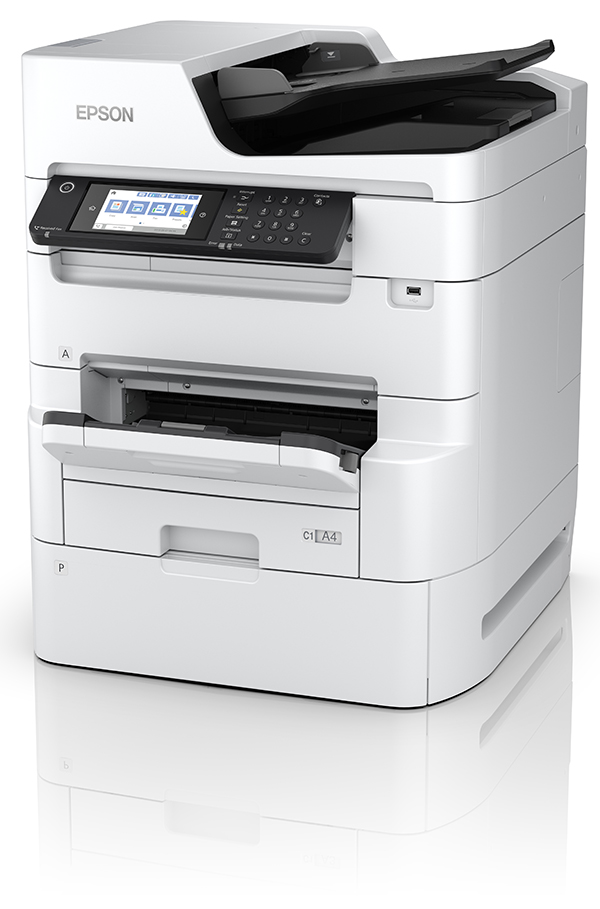
A 75 ppm A3 colour multifunction printer for high-volume document output, with optional finishing to help prepare booklets and other business materials.
ISO print speed
75 ppm mono / colour
Paper capacity
Up to 5,350 sheets with options
Specifications & capabilities
Functions
Print, copy and scan
Output
A3 colour
PrecisionCore Heat-Free printing.
Optional professional finishing, including booklet-making.
High-capacity replacement ink supplies; actual yield depends on print conditions.
Secure printing and auto-sensing nozzle verification.
Epson’s Replaceable Ink Pack System supports shared office printing with high-capacity ink packs. These back-catalogue models are included for organisations reviewing an existing fleet; contact Orion about support, availability or replacement options.
A4 colour printer
WF-C529R
Epson WorkForce Pro
A print-only A4 device with a Replaceable Ink Pack System for fewer ink changes in shared office printing.
ISO print speed
24 ppm mono / colour
Print resolution
4,800 × 1,200 optimised dpi
Specifications & capabilities
Paper input
330 standard / 1,330 maximum sheets
Replacement ink yield
Up to 50,000 black / 20,000 colour pages
Automatic two-sided printing; no integrated scanner.
PCL and PostScript 3 support for managed network environments.
Ethernet, wireless LAN and Wi-Fi Direct connectivity.
Keep checkout, order preparation and customer transactions moving with Epson POS printing. Choose compact counter devices, portable receipt printers, liner-free order labels, kitchen printers or embedded kiosk equipment around the way your team serves customers.
Please note: Interface options and POS software compatibility need to be confirmed for your installation.
Explore countertop and mobile receipts, order labels, kitchen dockets, self-service kiosks and transaction slips. Thermal devices use compatible heat-sensitive media; impact kitchen and slip printers use ribbons. These are separate from Epson’s office inkjet range.
Receipt printing for customer-facing checkout environments.
Countertop & tablet POS
Choose compact tablet-POS printers, front-loading devices or higher-throughput checkout models. Each connection build must suit your terminal, application and network.
Compact thermal receipt printer
TM-m30II
Epson TM receipt printers
A compact, cube-shaped printer for tablet POS and space-limited counters. Horizontal or vertical placement lets you adapt the receipt output to your workspace. Epson lists this model in its back catalogue; ask Orion about existing-device support, availability or a replacement.
Maximum print speed
250 mm/sec
Receipt paper
80 mm / 58 mm with spacer
Specifications & capabilities
Print method / resolution
Direct thermal / 203 × 203 dpi
Footprint
127 × 127 × 127 mm; 1.3 kg
Connection options
USB and Ethernet builds; Bluetooth builds; optional Wi-Fi module
Housing colours
Epson Black or Epson Ultra White
ePOS-Print supports receipt output from compatible web-based and mobile applications.
NFC and QR-code pairing options simplify connection with compatible mobile devices.
Print receipt logos, promotional text, 1D barcodes and 2D codes including QR codes.
Drop-in paper loading and automatic cutting; optional wall-hanging bracket.
Paper-saving settings include backward feeding and printing the logo when the receipt is cut. Results depend on receipt content.
Connectivity is configuration-specific; Bluetooth and Wi-Fi are not standard on every build.
Designed for busy checkout and hospitality environments, with multi-interface sharing between compatible POS terminals, tablets and web applications. Server Direct Print supports receipt output from configured web-server orders.
Maximum print speed
Up to 500 mm/sec, configuration-dependent
Receipt paper
80 mm or 58 mm
Specifications & capabilities
Print resolution
180 dpi
Dimensions / weight
145 × 195 × 148 mm; 1.6 kg
Connection options
USB / Ethernet; serial, parallel, powered USB or wireless options by build
Speed qualification
500 mm/sec with 80 mm media and PS-190 or PS-180 supply; otherwise default 450 mm/sec
ePOS-Print and Server Direct Print for supported web and mobile POS workflows.
Compatible with existing TM-T88V and TM-T88VI software, with the same footprint.
Supports receipt barcodes and 2D codes, including QR codes.
Epson TM Utility assists setup and replacement; status LEDs and a network diagnostic sheet assist troubleshooting.
Top-margin and character-height reduction settings can reduce receipt paper use; savings depend on printed content.
Optional wireless adapters and interfaces should be selected to suit your POS connection and network-security requirements.
Take receipt printing to the customer, warehouse or field. Battery-powered models have different media widths, connection options and operating conditions; the label variant is a separate configuration.
58 mm mobile receipt printer
TM-P20II
Epson POS printing
A compact mobile printer for issuing narrow-format receipts away from a fixed counter.
Receipt width
58 mm / 2 inch
Maximum print speed
100 mm/sec
Specifications & capabilities
Wireless options
Bluetooth or Wi-Fi builds
Compatible with supported iOS, Android and Windows mobile applications.
Portable receipt printing.
Choose the correct wireless version for your POS system.
Liner-free label printing helps identify takeaway orders, cups and collected items without a backing liner. These models also support suitable receipt media; choose tested stock and the correct interface.
Liner-free thermal label & receipt printer
TM-L100
Epson POS printing
Label orders and items using compatible liner-free stock, with online-ordering support and a label-taken sensor for one-at-a-time dispensing.
Maximum print speed
170 mm/sec, receipt and liner-free label
Media widths
40 mm labels; 58 mm / 80 mm media
Specifications & capabilities
Resolution
203 × 203 dpi
Interfaces
USB Type-B, Ethernet and serial
Label-taken sensor avoids printing the next label before collection.
Server Direct Print retrieves orders from a configured web server; network connection required.
Receipt and liner-free label modes.
Compatible tested media and a configured ordering workflow are required.
Impact printing uses a ribbon and suitable plain paper rather than heat-sensitive receipt stock. It is a distinct option for order dockets; liner-free kitchen labels are covered in the POS label group above.
Impact kitchen & receipt printer
TM-U220B
Epson POS printing
A compact impact printer for kitchen orders, with drop-in paper loading and two-colour ribbon output for highlighting order exceptions.
Maximum print speed
4.6 lines/sec
Print process
Impact printing with ribbon
Specifications & capabilities
Two-colour printing for order exceptions with suitable ribbon.
Drop-in paper loading and paper-end detection.
Optional wall mounting.
This is the TM-U220B model; newer U220 variants require a separate specification.
Embedded receipt printing requires the paper exit, service access, mounting and terminal software to work together. Discuss the complete kiosk design rather than selecting a printer on speed alone.
Thermal kiosk receipt printer
EU-m30
Epson POS printing
A compact embedded printer for self-ordering and self-checkout kiosks, with status LEDs and restricted cover access.
Maximum print speed
250 mm/sec
Receipt widths
80 / 58 mm
Specifications & capabilities
Resolution
203 × 203 dpi
Connectivity
USB and serial
Remote printer-status monitoring with compatible deployment software.
Attention and error LEDs.
Optional bezel supports paper-path alignment.
Mounting kit, bezel and power supply inclusions require confirmation.
Combine receipt and slip handling when transaction documents need more than a standard receipt roll. A slip-only device is listed separately and is not a multifunction thermal receipt printer.
Hybrid receipt & slip POS printer
TM-H6000V
Epson POS printing
One device for thermal receipts and impact slips, with cheque-processing options and multi-interface sharing between compatible terminals and mobile systems.
Maximum receipt speed
350 mm/sec
Maximum slip speed
5.7 lines/sec, stated print mode
Specifications & capabilities
Interfaces
USB and Ethernet; additional interface options
Dimensions
186 × 278 × 181 mm
Thermal receipt and impact slip printing.
MICR cheque reading and endorsement are factory options—not included on every device.
ePOS-Print and Server Direct Print support configured web applications.
Remote status monitoring and paper-saving functions.
A flatbed slip printer for transaction forms where vertical or horizontal printing is required. This is a slip device, not a thermal roll receipt printer.
Print process
Impact slip printing
Media handling
Flatbed slip design
Specifications & capabilities
Vertical and horizontal printing.
Compact footprint for transaction slips.
Confirm form size, copy requirements, ribbon and terminal compatibility.
Capture business paperwork without adding another printer. Explore portable scanners, desktop batch-scanning devices, network scanners and flatbed options for originals that need different handling.
Match your scanner to the documents you handle, the volume you capture and where files need to go. Choose individual-sheet capture for mobile work, automatic feeders for batches or a flatbed for bound and delicate originals.
Compact document capture with the WorkForce ES-C380W.
Portable business scanners
Compact devices for capturing individual documents and cards away from a shared office scanner. These are standalone scanners—not printers or multifunction devices.
Portable document scanner
ES-50
Epson WorkForce
A lightweight scanner for capturing A4 documents, business cards and ID cards when portability matters more than batch feeding.
Optical resolution
600 dpi
Weight
500 g
Specifications & capabilities
Portable document-scanning design.
Supports A4 documents, business cards and ID cards.
A separate capture device for teams that do not need an integrated printer.
Choose compact paper paths for smaller desks, automatic feeders for batches, or network models for shared teams. Scan speeds and feeder capacities below apply to each individual model—not to the whole range.
Compact A4 duplex scanner
ES-C320W
Epson WorkForce
A two-path scanner that keeps paper within a compact footprint in U-turn mode and switches to a straight path for suitable thicker media.
Scan speed at 300 dpi
Up to 30 ppm / 60 ipm
Automatic document feeder
20 pages at 75 g/m²
Specifications & capabilities
Optical resolution
600 × 600 dpi
Daily duty cycle
Up to 3,500 sheets
Interfaces
USB / Wi-Fi Direct
Dimensions / weight
296 × 104 × 124 mm; approx. 1.8 kg
One-pass duplex colour scanning.
U-turn and straight paper paths; passports and booklets up to 5 mm thick require the appropriate carrier sheet.
A3 capture through stitching—not an A3-width flatbed.
Ultrasonic and length-based double-feed detection.
Text enhancement, automatic de-skew, rotation and punch-hole removal.
A scanner for digitising receipts and invoices—not a receipt printer. Included ScanSmart Accounting Edition software can extract and categorise receipt data on a connected Windows PC or Mac.
Scan speed
Up to 35 ppm / 70 ipm
Automatic document feeder
100 pages
Specifications & capabilities
Daily duty cycle
Up to 4,000 sheets
Optical resolution
600 × 600 dpi
Connectivity
USB 3.0 / Wi-Fi
Controls
4.3-inch touchscreen; scan to USB drive
Single-pass duplex scanning for batches of mixed-sized receipts and documents.
Receipt-data export to MYOB, Xero, QuickBooks, Excel and CSV through supported desktop software; not available through Android or iOS.
Searchable PDF, PDF/A, secure PDF, JPEG and TIFF output options.
Automatic cropping, blank-page deletion, background removal and skew correction.
Cloud destinations and accounting exports require the appropriate software, accounts and internet connectivity.
A high-throughput scanner with an adjustable chassis for demanding document-capture environments. Optional flatbed accessories are separate from the base device.
Scan speed
Up to 90 ppm / 180 ipm
Daily duty cycle
Up to 40,000 sheets
Specifications & capabilities
Device design
Adjustable chassis
Flatbed accessories
A4 and A3 options available
High-speed document capture for large batches.
Adjustable chassis design.
Optional A4 or A3 flatbed capture; confirm the accessory configuration before supply.
Flatbed capture accommodates originals that should not be fed through a sheet-fed scanner. Choose A4 or A3 capture and use the automatic feeder for suitable loose-page batches.
Flatbed scanner with automatic feeder
DS-1730
Epson WorkForce
Combines flatbed capture with an automatic document feeder for a mix of individual originals and multi-page documents.
Scan speed
Up to 30 ppm
Automatic document feeder
60 pages
Specifications & capabilities
Flatbed optical resolution
1,200 × 1,200 dpi
Integrated flatbed for individual originals.
Automatic duplex document scanning.
A separate standalone scanner, without print or copy functions.
Produce detailed plans, CAD drawings, maps and posters with Epson SureColor T-Series printers. Match the print width, ink capacity and media handling to your office, design studio or project environment.
Explore 13 technical printing models. Start with the work you produce, then compare print width, ink technology, media handling and the equipment needed to finish the job.
SureColor T7760DM combines wide-format printing and scanning for technical drawings and document-review workflows.
Technical drawings, CAD & posters
SureColor T-Series printers handle plans, drawings, maps and presentation material. Choose 24-, 36- or 44-inch printing, single or dual rolls, and a multifunction model when you also need integrated scanning.
24 inch technical printer
T3160
Epson SureColor T-Series
Compact desktop or floor-mounted printing for drawings and posters.
Print format
24 inch
Ink configuration
4 colours; cartridges up to 50/80 ml
Specifications & capabilities
Media handling
Single roll and multi-sheet feed
Select media around the required finish, thickness and print application.
Compare the complete supplied configuration, consumables and software before choosing a device.
This is a printing device; an integrated scanner is not included.
Connect a compatible Epson scanner or multifunction device to Document Capture Pro to name, organise and route captured documents. Choose a workflow that helps your team find information and send it to the right destination.
Use reusable scan jobs to prepare documents, apply naming and separation rules, and deliver records to an agreed destination. Choose desktop or shared-device capture around your team.
Supported image formats and searchable PDF capture; editable Office output requires optional OCR.
Barcode recognition and zonal OCR on supported editions.
Configured folder, email, FTP and supported connected destinations.
Document Capture Pro Server for shared-device push-scanning.
Features depend on the device, software edition and destination. Ask Orion to specify a scanner and capture configuration for your requirements.
Prepare scanned records for naming, filing and onward delivery.AM-C400 single-pass duplex scanning: up to 100 ipm.
The technology behind the range
Heat-Free printing. Practical fleet control.
PrecisionCore uses piezoelectric elements to eject ink without heat. This supports zero-second warm-up on compatible WorkForce models and reduces the need for the heating components used in laser printing. Energy use and maintenance requirements vary by device and workload.
Built around the way your team works
Choose print-only or multifunction, colour or monochrome, and A4 or A3. Match paper capacity, scanning and finishing to the work you actually do—rather than relying on a specification intended for a different model.
Beyond the device
Print Management & Connected Workflows
Capture documents, manage access, understand output, connect mobile work and look after your fleet. Choose the software around your task—these solutions have different roles and compatibility requirements.
Capture paper records, apply document naming and separation rules, and route files to agreed destinations. Explore desktop and server capture, searchable PDFs and optional Enhanced OCR.
Control who uses your devices, release documents after authentication and understand print, copy and scan usage. Explore rules, quotas, cost centres and personalised scanning.
Send documents to a compatible printer by email, print remotely from a computer or mobile app, and scan to registered email or supported cloud destinations.
Bring compatible printer status, usage and consumable information into one cloud-based monitoring environment. Automated meter readings and alerts support service coordination and supply planning.
Connect compatible Epson business devices with supported enterprise applications and third-party solutions, adapting print and document workflows around your organisation.
Availability depends on the device model, software version, selected services and configuration. Orion can confirm compatibility, licensing and implementation requirements.
Your Partner in the Office
The right Epson device. Supported by Orion.
Talk to Orion about your print volumes, scanning requirements and existing fleet. We can help identify the right technology, configuration and Managed Print Services approach for your organisation.